How to Make an AI Pet Birthday Video from a Photo
Turn one cat or dog photo into a short birthday video: the best photo, suitable motion, caption ideas, credit checks, privacy, and common failure cases.
 Pawdeo Editorial
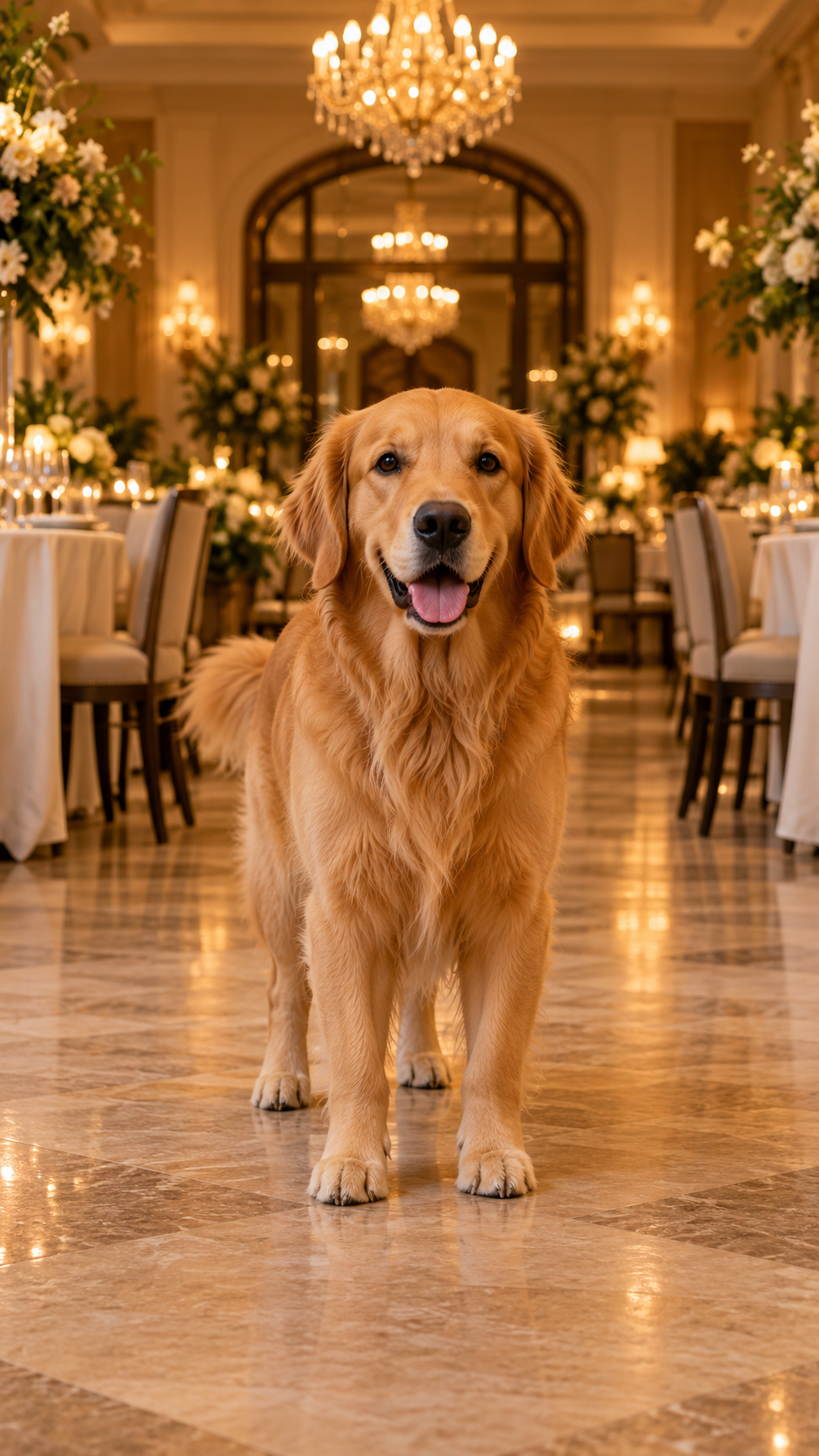
Short answer: upload one clear cat or dog photo with the full body visible, choose a birthday entrance effect, confirm the duration and credits, then generate and download the result. Add licensed music in TikTok, Reels, or your editor after downloading.
An AI pet birthday video works best as a short visual greeting. The pet remains the subject while the model adds a small entrance, party lighting, decorations, or camera movement. It is not a substitute for a long slideshow and it should not require a complicated prompt.
Which pet photo should I use?
For a birthday entrance, use a photo with:
- one cat or dog, facing the camera or at a slight angle;
- a visible head, torso, and paws;
- even lighting and a sharp face;
- some empty space around the pet;
- no text, watermark, costume obstruction, or identifiable person.
If only the face is visible, choose a portrait-style effect instead. If two pets are in the image, use a template that explicitly supports two subjects; otherwise the model may merge or swap features.
How do I create a pet birthday video?
- Open Pet Birthday Entrance.
- Read the sample provenance and match your photo to the recommended pose.
- Check the exact model, duration, and credit quote.
- Confirm image rights and safety, then upload.
- After the task finishes, download the video before its retention deadline.
You can also use Custom story when it is enabled, but a tested birthday template is more predictable for a first generation.
What should the pet do in the video?
Small motion is usually more convincing than human choreography. A short walk, head turn, paw step, tail movement, or gentle camera push keeps the pet recognizable. Asking for speech, costume changes, acrobatics, and a moving camera at the same time creates more ways for the result to fail.
Should Pawdeo add birthday music?
The safer default is a silent video or an original, licensed track. For a social post, download the result and add music from the platform’s licensed library. That keeps copyrighted commercial songs out of the generated file and lets you select a sound available in your region.
What if the video fails?
The task page shows queued, processing, success, failure, and timeout states. A failed or timed-out chargeable task uses an idempotent credit refund, so repeated status checks do not refund the same task twice. A successful but visually imperfect result is different from a technical failure; check the input guide before trying again.
How long is the video stored?
Current policy is 15 days for non-subscribers and credit-pack buyers, and 30 days for the Creator plan. Download the finished birthday video before that date. The task record remains useful even after the media expires.
Next: learn how to animate any pet photo or compare Pawdeo pricing.