How to Animate a Pet Photo with AI
A practical, answer-first guide to turning one pet photo into a short AI video: photo choice, effect selection, timing, price, privacy, and limitations.
 Pawdeo Editorial
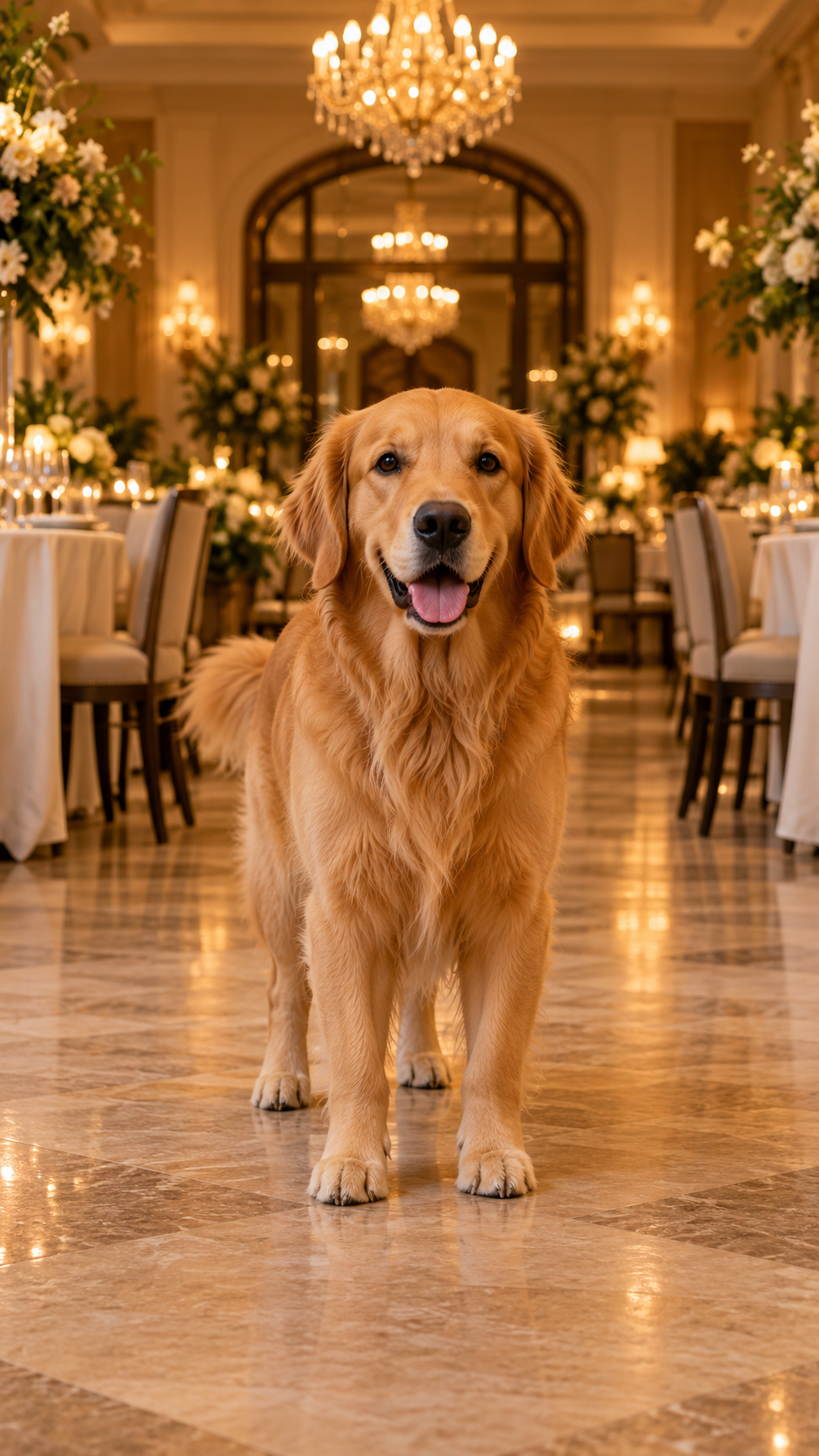
Short answer: choose a clear photo of one pet, pick a motion designed for that pose, review the sample and fixed credit price, then upload. A good AI pet video should add a small, believable movement without changing the animal's identity.
Pawdeo is an AI pet video generator for authorized cat and dog photos. You can use a benchmarked story template for a predictable result or, when available, describe a custom story. Templates state the photo requirements, model, duration, and credit price before a task starts; custom mode adds flexibility but is less predictable.
How do I turn a pet photo into a video?
- Choose one clear pet photo. The face, body, and paws needed by the effect should be visible.
- Match the effect to the pose. A standing full-body photo suits a gentle dance; a centered photo with space in front suits a birthday entrance.
- Read the real sample note. Pawdeo labels the model, duration, and sample date. A sample is evidence from one input, not a guarantee for every photo.
- Check the exact credit quote. The server verifies the selected effect, model, duration, and price again before creating a task.
- Confirm rights and safety. Upload only a pet image you own or may use, without identifiable people or unnecessary personal information.
- Keep the task page. Rendering is asynchronous. Closing the browser does not cancel the task; signed-in users can return to My creations.
Which effects can I try?
- Pet Birthday Entrance adds a restrained, cinematic entrance to one full-body pet photo.
- Pet Gentle Dance uses small paw steps, head bobs, and tail motion rather than human choreography.
- Marigold Pet Memorial creates a quiet remembrance scene with warm marigolds and minimal motion.
Every public effect has a real generated sample. Results can still vary with pose, crop, fur detail, background, and model behavior.
How long does an AI pet video take?
Plan for a few minutes, not an instant filter. In Pawdeo's recorded benchmarks, the published pet samples completed in roughly 80 to 179 seconds. Those measurements describe specific test inputs and dates; queue load and provider behavior can change production time.
What happens if generation fails?
Tasks have explicit pending, processing, success, failure, and timeout states. If a chargeable task fails or times out, the credit ledger uses one idempotent refund, which prevents repeated polling from returning credits more than once.
Are pet photos public?
No. Pawdeo creations are private by default. Task records, playback, and downloads require a signed-in account and a server-side ownership check. Production generation also requires private object storage and a stated retention policy.
What should I avoid uploading?
Do not upload identifiable people, children, public figures, identity documents, intimate imagery, animal abuse, copyrighted characters, or a photo you do not have permission to use. Read the Acceptable Use Policy and Privacy Policy before uploading.
Pawdeo offers small-volume generation for verified accounts with enough credits. Daily cost limits and three-stage safety review apply; checkout and Hotel Lobby generation remain separate closed features.
Next: choose the best photo for an AI pet video or compare cost and privacy.