How to Make an AI Pet Memorial Video from One Photo
Make a private AI pet memorial video from one photo while protecting the animal’s identity and setting honest expectations about what AI can recreate.
 Pawdeo Editorial
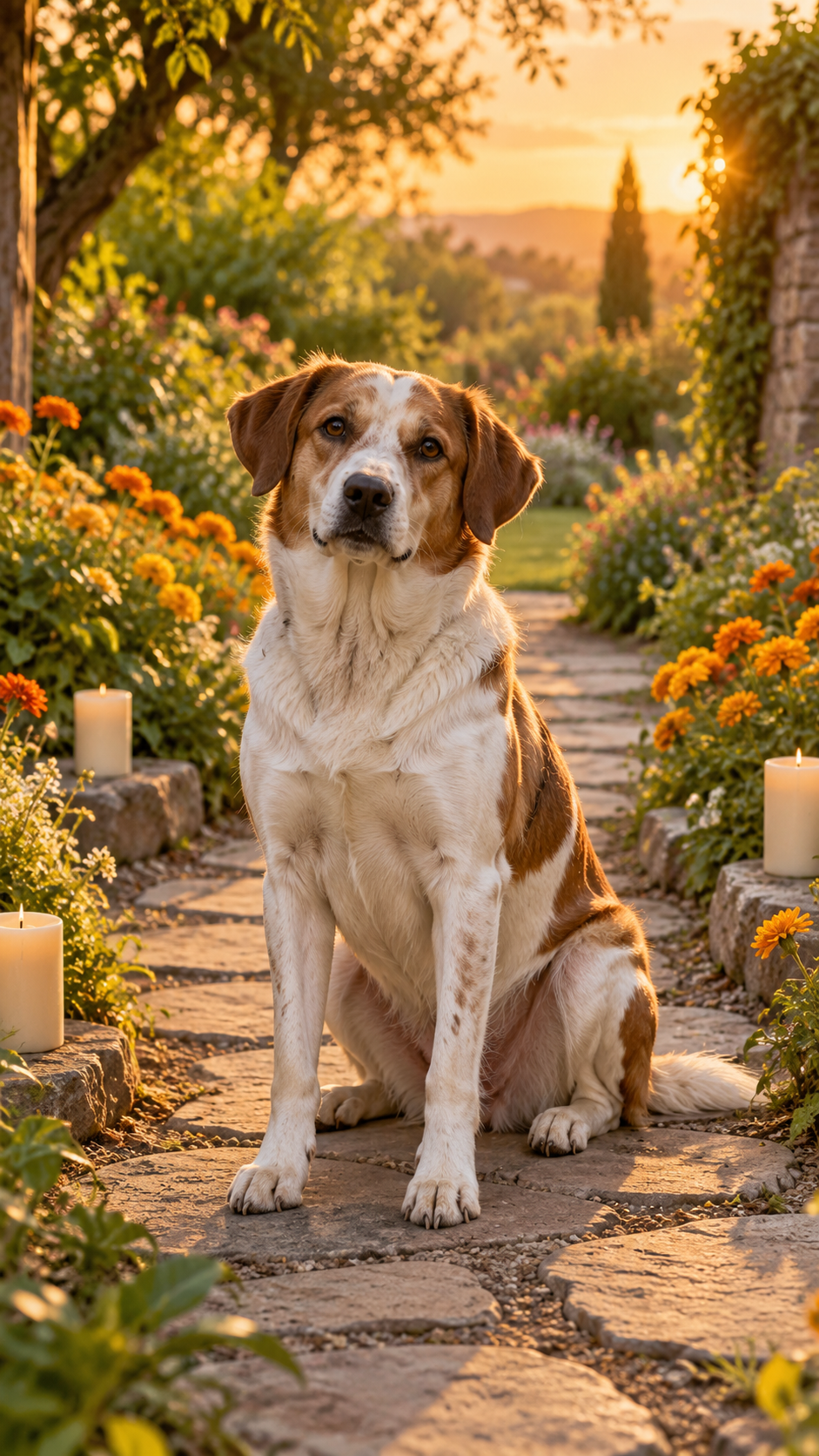
Short answer: use one sharp, familiar photo, choose a restrained memorial effect, and keep the motion small. The strongest result usually preserves the pet’s real expression and adds atmosphere—not a new personality or an invented memory.
An AI pet memorial video is a short remembrance made from an authorized photo of a pet who has died or is deeply missed. It can add subtle breathing, a head turn, moving light, flowers, or a slow camera move. It cannot recover a real moment that was never filmed.
What photo works best for a pet memorial video?
Choose a photo that family members immediately recognize:
- the face and eyes are sharp;
- the pet is not hidden behind furniture, text, or another animal;
- the crop leaves a little space around the head and body;
- the image is the original file rather than a screenshot of a social post;
- no unrelated person or private document is visible.
A quiet portrait often works better than a busy action photo. Read the full pet photo checklist before uploading.
How do I make the video?
- Open Marigold Pet Memorial.
- Compare your photo with the stated input requirements and real sample.
- Upload only a photo you own or have permission to use.
- Confirm the fixed duration and credit quote shown before generation.
- Keep the finished file somewhere you control before its storage period ends.
Pawdeo’s memorial template uses warm marigolds, a fixed camera, and minimal motion. It is intentionally different from a dance or costume effect.
Can AI keep my pet looking the same?
It can often preserve the main face, coat pattern, and silhouette, but no image-to-video model guarantees exact identity in every frame. Unusual markings, cropped ears, hidden paws, reflective eyes, and multiple animals increase the chance of drift. Review the output before sharing it as a remembrance.
Is the photo private, and how long is it stored?
Pawdeo creations are private by default. Playback and download routes require a signed-in owner check. Generated media has a retention deadline: the current product policy is 15 days for non-subscribers and credit-pack buyers, and 30 days for the Creator plan. Download anything important before the deadline. See AI pet video cost, privacy, and refunds for the complete policy.
What should the caption say?
Keep the language personal and truthful. A date, nickname, or one sentence about the pet is usually enough. Avoid implying that AI recovered real footage or the animal’s thoughts. If you share publicly, disclose that the motion was AI-generated.
A memorial effect should support a real memory, not replace it. If generation is temporarily unavailable, the public effect page still shows the reviewed input guidance, sample provenance, model, duration, and price.